


The NEW Party In My Dorm Help Experience is Almost Here!
What is it?
We have launched a new Help Experience that will replace our current FAQ and Help Ticket systems!
Why did you make it?
 A library of searchable FAQ's means there is no more waiting for an answer!
 We can update and edit FAQ's on the fly, so you can be sure you have the most up to date details!
 Using Forms and Bots we can collect the right info to help you as quickly as possible!
 You can Share Screenshots in-app to make reporting issues easy!
Overall it creates a smooth and modern experience that gets you the help you need faster!
Where is it?
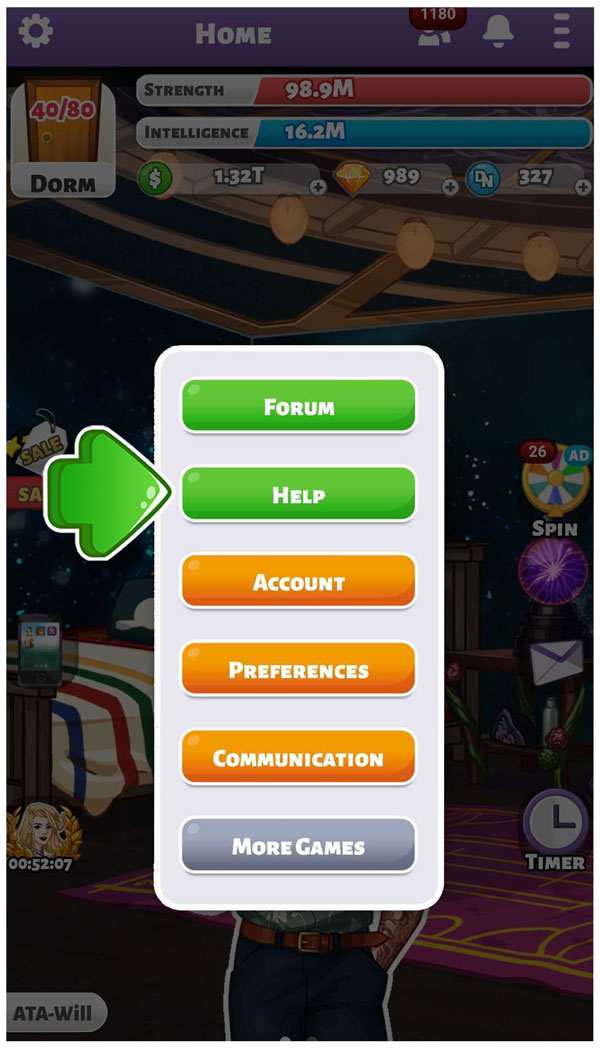
Go to Settings, then tap Help!
If you still see the FAQ button on your Settings menu, they you need to restart your app, or install the latest update to access the new help feature!
When can I use it?
The new Help Experience is launched October 19th at 12pm PST!
What about my old Help tickets?
After we moved your account over to the new system, you are not able to see old Help Tickets, but we still can if necessary! If you were in the middle of a Help Ticket when you get moved over, please write in again and we'll help you out.

How does it work?
TAP HELP to access the new Help System for FAQ's and CHAT! Please note the FAQ Button has been removed.

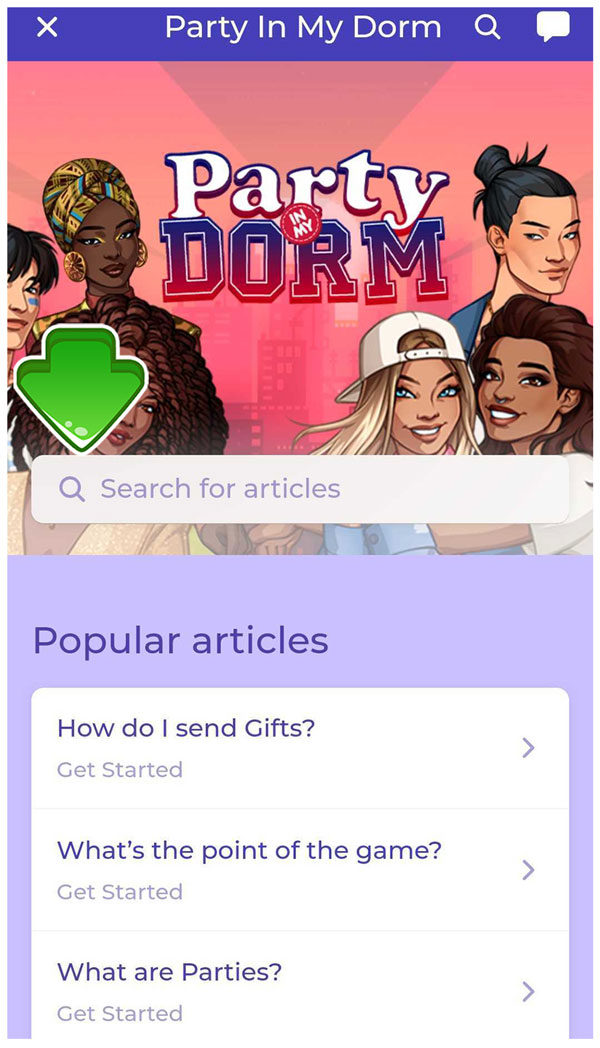
SEARCH for FAQ Articles related to the issue you are facing. We have a ton of Articles available and there will be plenty more to come!

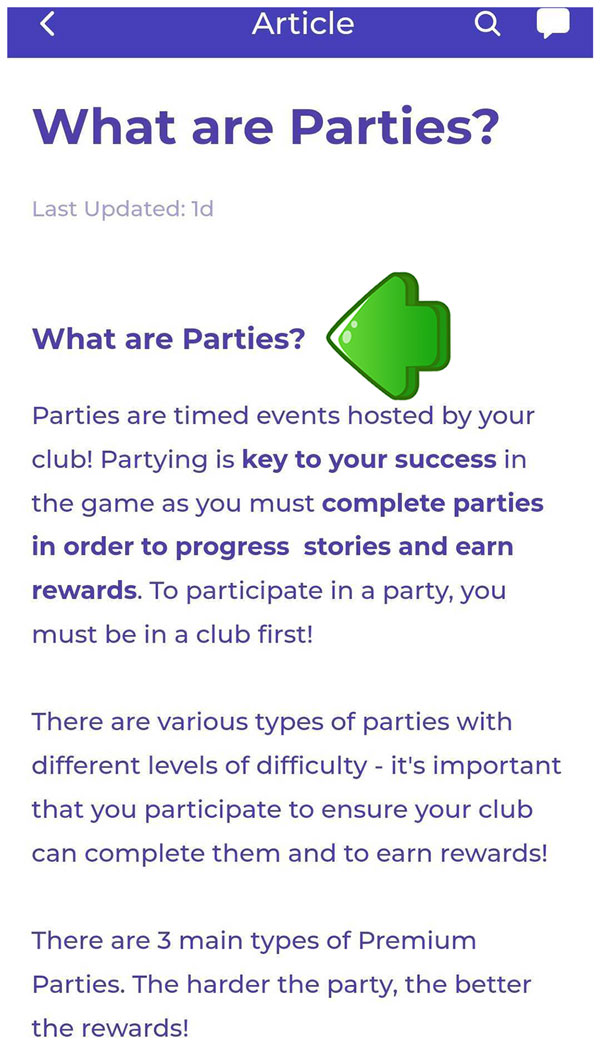
READ the FAQ Article's related to your issue. Try the troubleshooting steps provided, for the fastest resolution to your concern. If you find an FAQ Article is helpful, let us know at the bottom by tapping Yes or No.

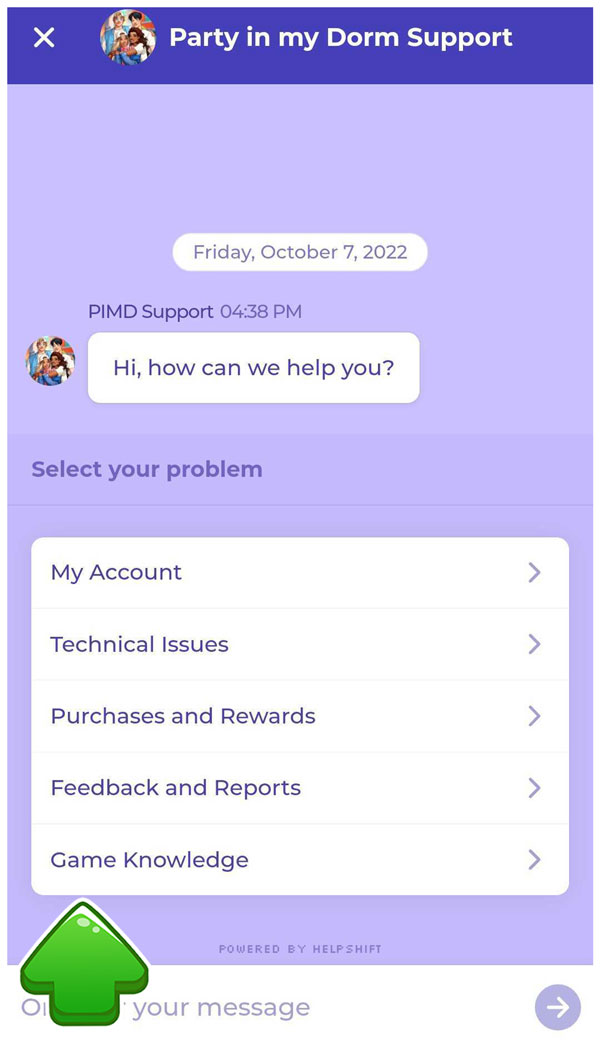
If the FAQ Articles have not helped resolve your issue, hit the CHAT button on the top right. In CHAT, we'll narrow down your issue through Menu Options. These will ensure we know the nature of your issue, collect the important details and can pass you to the right team member for further Help!
Last edited:

 bravo guys

