
Okay so people have been wondering how to view forums on a computer. Here's how I do it.
So, I go to Google and type:

Which takes you to this page. Ignore the orange login box on the far right, that's for mods/devs only. Focus on the middle section, which are the forums.
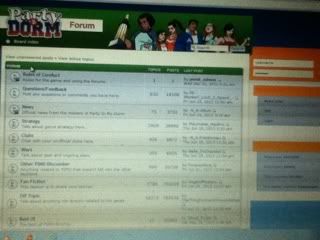
Here are the different forum topics.
(On the login screen from the previous ss)
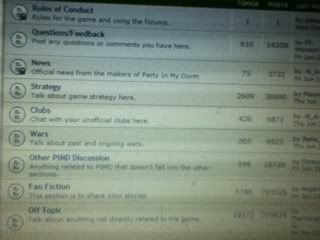
I want to go to the Off Topic section, so I click on "Off Topics" (you can click on any)
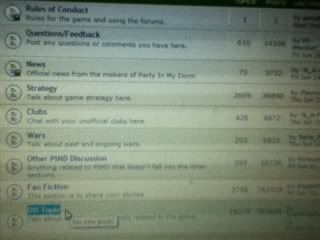
Here are the Off Topic threads:
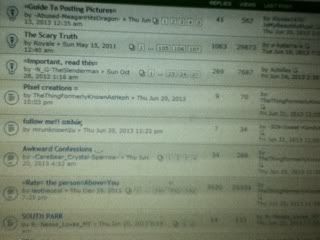
So I clicked on Crystal's thread:

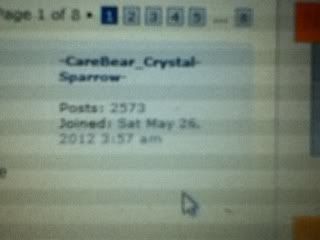
And on the far right you see the info of the user that commented. You can see how many posts they've made and when they joined forums.
So yeah. Quit asking and do it yourselves.
I hope I got the screen shots correct cuz they uploaded all wrong. I had to 'organize' them.
So, I go to Google and type:
Which takes you to this page. Ignore the orange login box on the far right, that's for mods/devs only. Focus on the middle section, which are the forums.
Here are the different forum topics.
(On the login screen from the previous ss)
I want to go to the Off Topic section, so I click on "Off Topics" (you can click on any)
Here are the Off Topic threads:
So I clicked on Crystal's thread:
And on the far right you see the info of the user that commented. You can see how many posts they've made and when they joined forums.
So yeah. Quit asking and do it yourselves.
I hope I got the screen shots correct cuz they uploaded all wrong. I had to 'organize' them.